How to Set Up Kemo IPTV on IPTV Smarters Pro for Samsung & LG
1. Open your Device App store (Samsung Smart Hub or LG Content Store) and search for IPTV Smarters Pro then click “Install”.

There are two ways to do this. Either using the Xtream Codes API (Username, Password and server Address) or using the M3U playlist. For a smoother setup experience, we recommend setting up via Xtream Codes API as it offers an integrated EPG system to enhance your streaming experience.
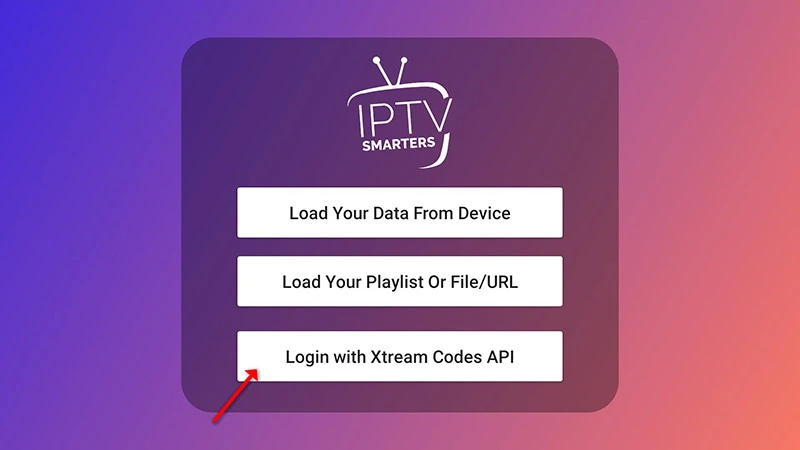
Step 1: Open the app once downloaded and click on “Add user” then click on “Login with Xtream Codes API”.
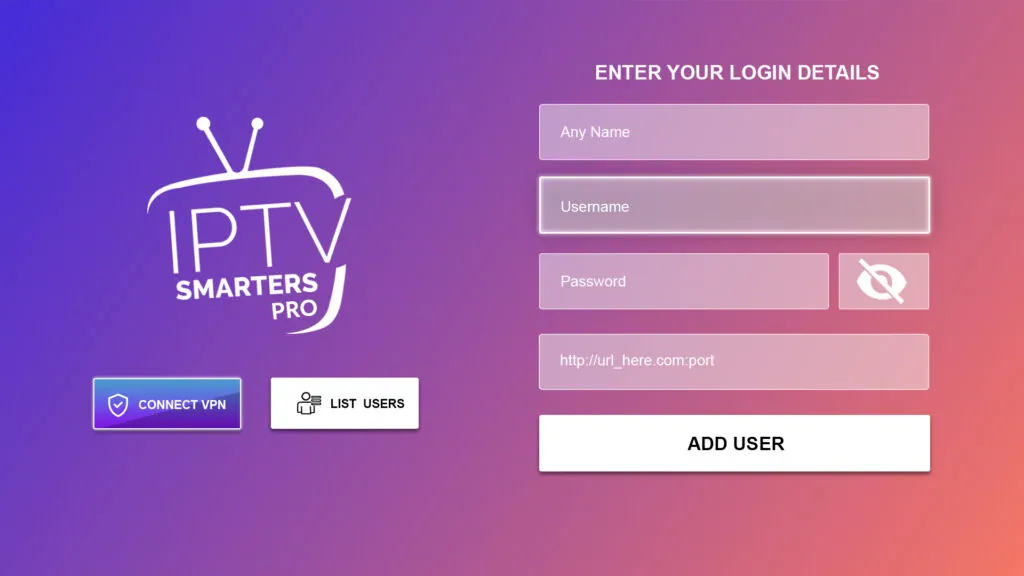
Step 2: Enter “Kemo IPTV” as the Name in the first box. Then in the second, third, and fourth boxes, input the Xtream Codes login credentials (Username, Password and URL (Server address)) provided by us after subscribing. Finally click on “ADD USER”. Get Your Kemo IPTV Subscription.
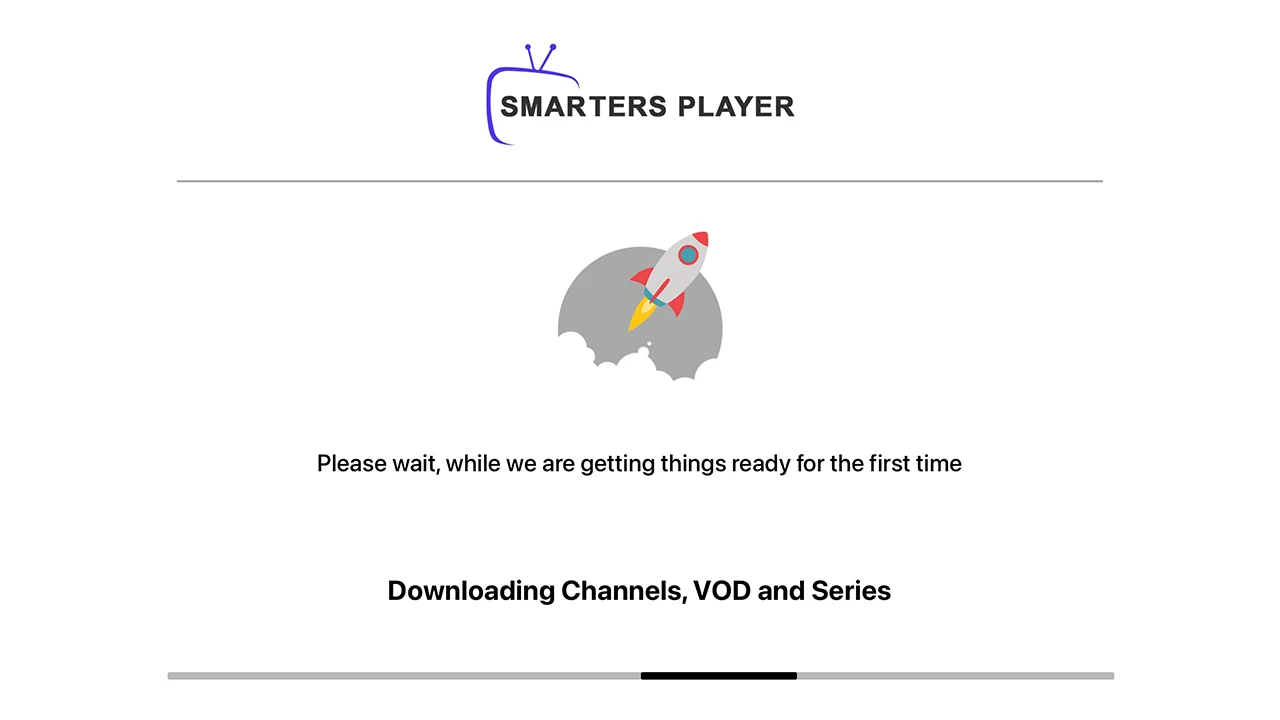
Step 3: Wait some seconds while the app downloads channels, VOD and Series.
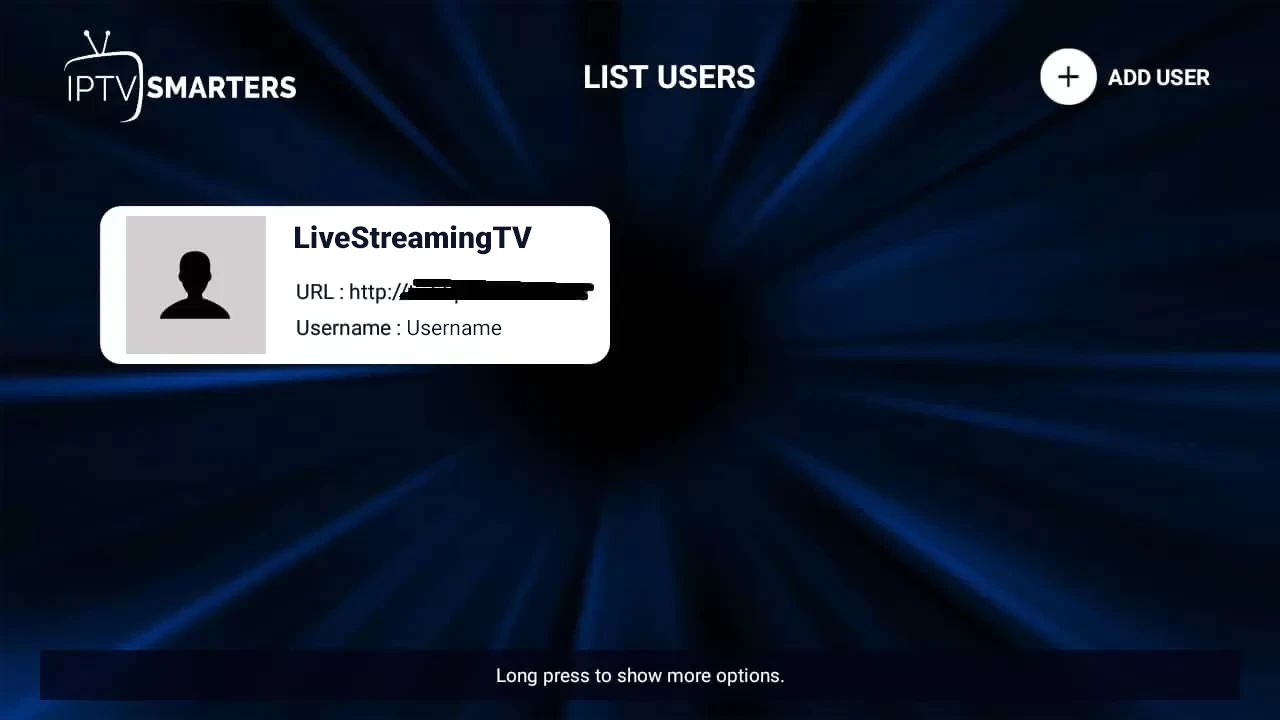
Step 4: Once logged in, access the user list screen and select your newly created profile, as demonstrated in the accompanying images.
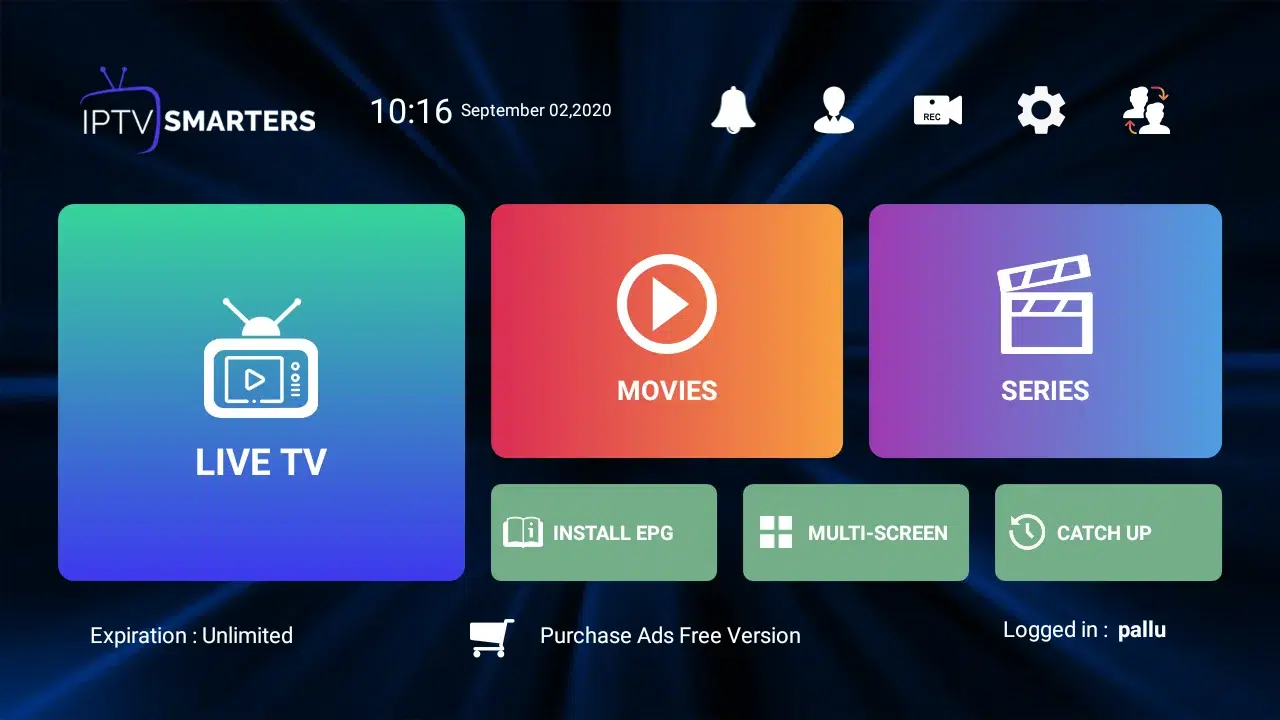
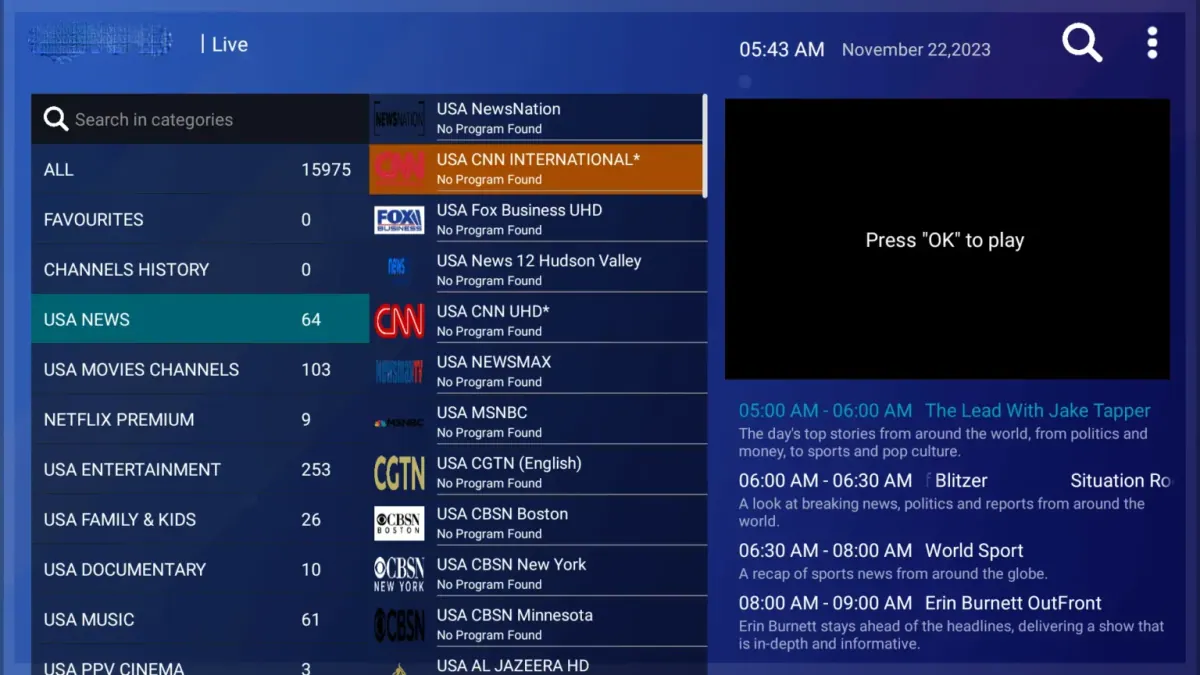

Congratulations! You’ve now completed the setup of the IPTV Smarters Pro app for seamless streaming.
Kemo IPTV on Smarters Pro: Samsung & LG Troubleshooting
Invalid Details Error on Smart TV?
Verify there are no accidental spaces in your Server URL, Username, or Password. Double-check that your URL contains the proper port: http://server-address:port.
Screen freeze or audio delay on Tizen / webOS?
Inside IPTV Smarters Pro, go to Settings > Player Selection and set the stream format to Hardware Decoder with MPEG-TS stream type.
How to update EPG TV Guide data on TV?
From the main menu, go to Settings > Refresh EPG to download current program schedules and show details.
Kemo IPTV on Samsung & LG: Frequently Asked Questions
Is IPTV Smarters Pro in the Samsung and LG stores?
Smarters Player Lite is listed on both Tizen and webOS. Install that and sign in with the same Kemo IPTV Xtream Codes you would use in Smarters Pro.
How long does setup take on a smart TV?
Under five minutes. Install the app from the television’s own store, choose Xtream Codes login, and enter the Kemo IPTV username, password, and server URL.
Which Samsung and LG models are supported?
Tizen televisions from 2017 onward and webOS 3.0 or later. Anything older is better served by adding a Firestick or Android box and running Kemo IPTV from there.
The app is missing from my TV store — what now?
Regional stores differ. If Smarters Player Lite is unavailable, IBO Player Pro is on both platforms and takes the same Kemo IPTV playlist; our IBO guide covers the upload step.