1. Go to the Apps menu page from the FireStick Home page.
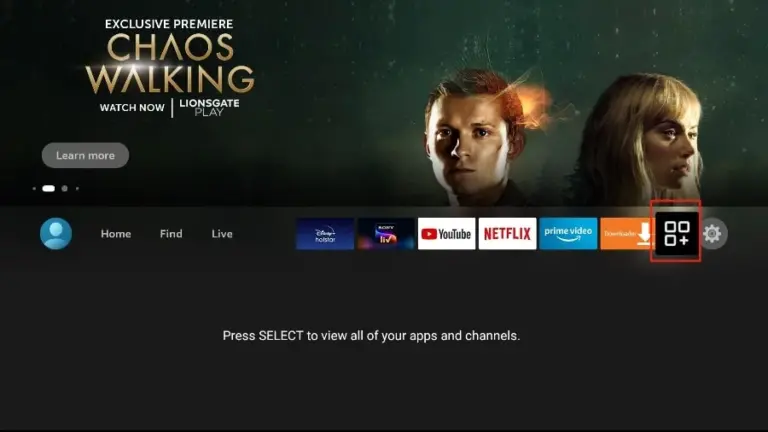
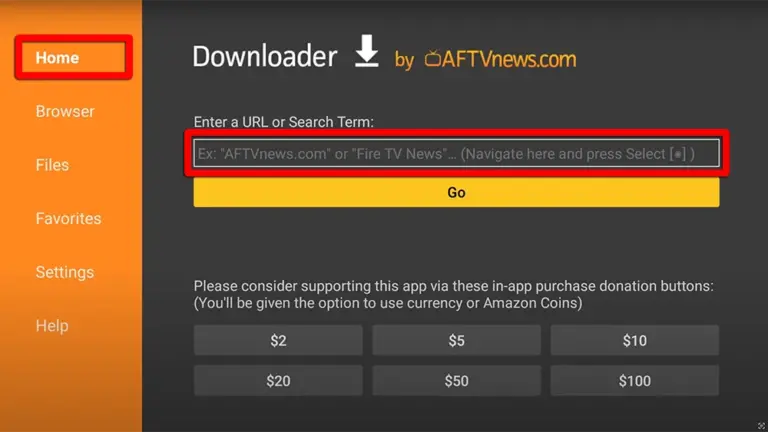
2. Open the Downloader app and select Enter a URL on the Home screen.
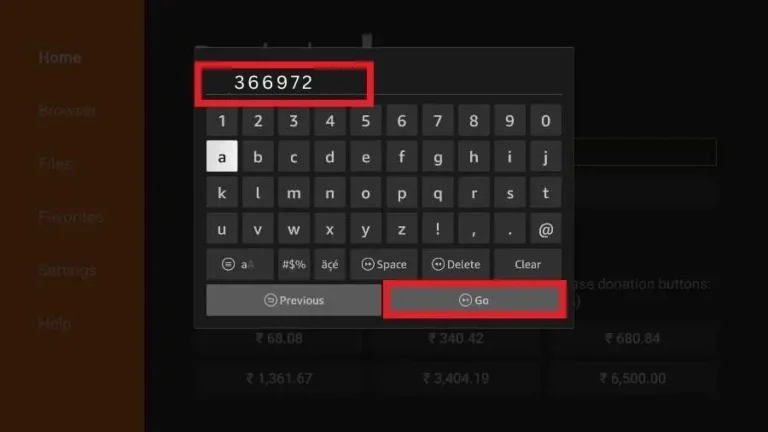
3. Type the following code exactly as shown here: 366972 to download Tivimate.
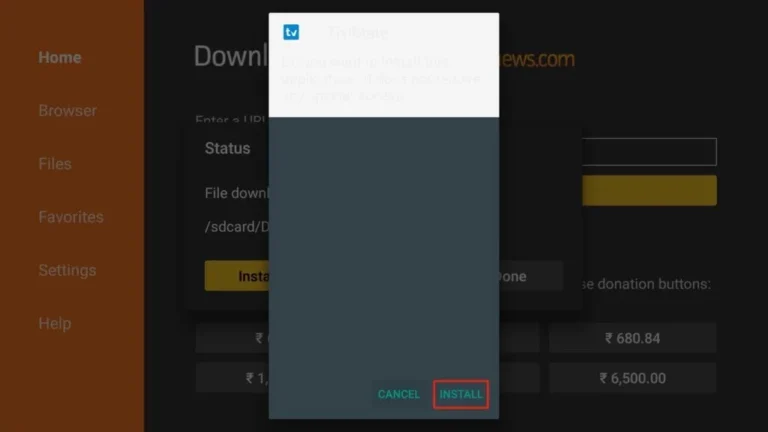
4. Click "Install" when prompted.
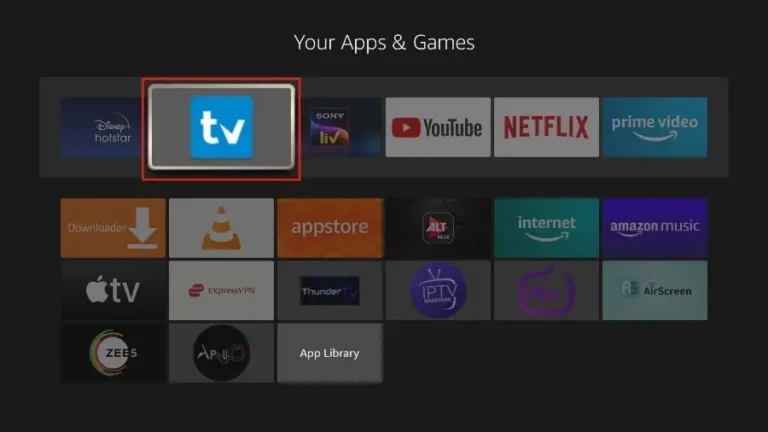
1. Open the TiviMate app.
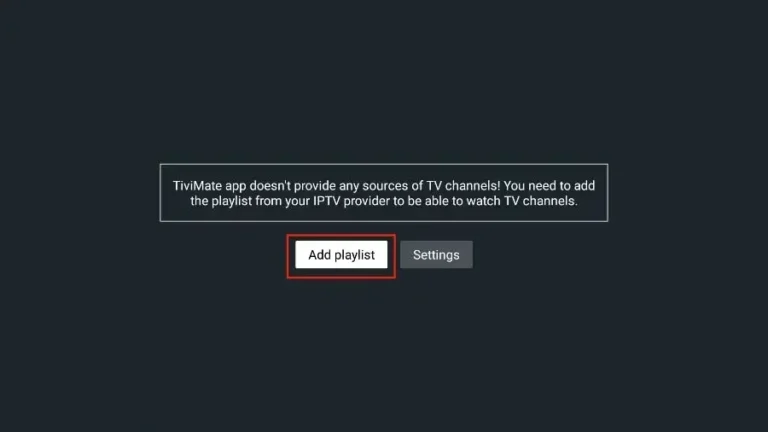
2. Select "Add playlist".
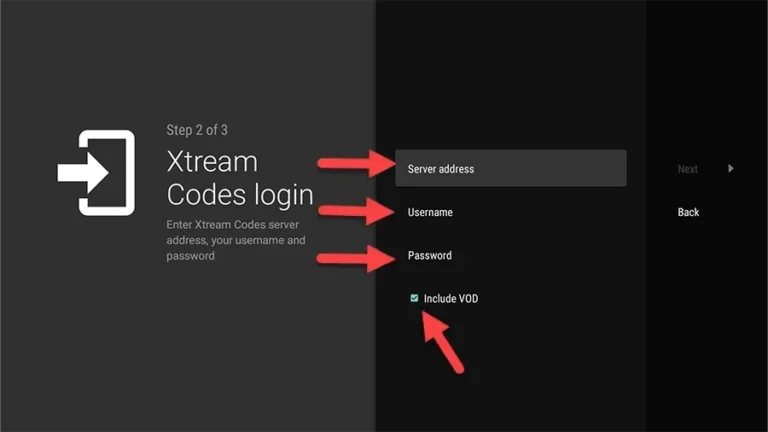
3. TiviMate will prompt you to add a playlist using an Xtream code, M3U link or Stalker portal. Click on "Xtream Codes login" and then "Next".
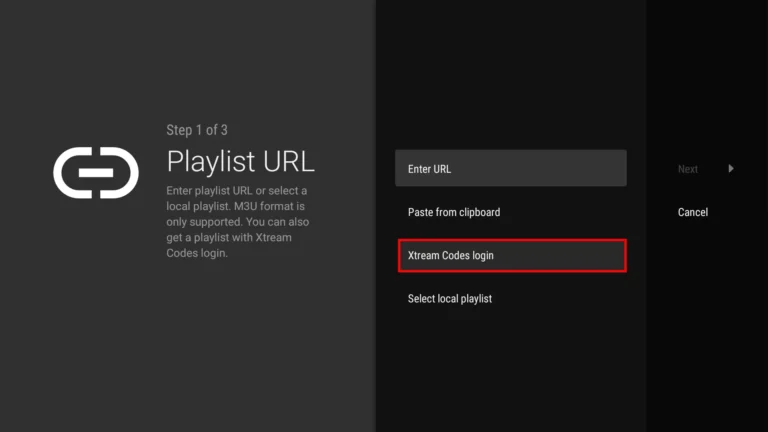
When you subscribe to Kemo TV, you'll receive an email containing your login details. Get Your Kemo IPTV Subscription and use your Xtream Codes login credentials (Server Address, Username and Password), then check "Include VOD" if you want VOD content.
Go on and the channels will appear after a while
Congratulations! You've now completed the setup of the TiviMate app for seamless streaming.
Kemo IPTV on TiviMate: Firestick Troubleshooting
How to unlock TiviMate Premium features?
To unlock recording, multi-screen, and custom EPG logos, install the TiviMate Companion app on an Android device or Google Play to purchase a TiviMate Premium license.
EPG TV Guide Not Loading?
Go to TiviMate Settings > Playlists > Kemo IPTV > EPG Sources and click Update EPG. Ensure your device has an active internet connection.
Audio / Video Out of Sync?
Go to Settings > Playback > Audio > Audio decoder and switch from Hardware to Software decoder (or enable AFR - Auto Frame Rate).
Kemo IPTV on TiviMate: Frequently Asked Questions
Does TiviMate run on every Firestick model?
It runs on all current Fire TV devices. On the older first-generation Stick, keep Kemo IPTV streams at 1080p; the 4K and 4K Max handle the full catalogue without trouble.
Is the free version enough?
Yes, for watching. The free build plays every channel on your Kemo IPTV plan; recording and multi-playlist support come with TiviMate’s own premium licence.
How long does the setup take end to end?
About four minutes. Most of that is the Downloader sideload — entering the Kemo IPTV Xtream Codes takes under a minute.
Can I keep another player installed alongside TiviMate?
Yes. Several players can hold the same Kemo IPTV login at once. Only one of them can stream at a time per connection.